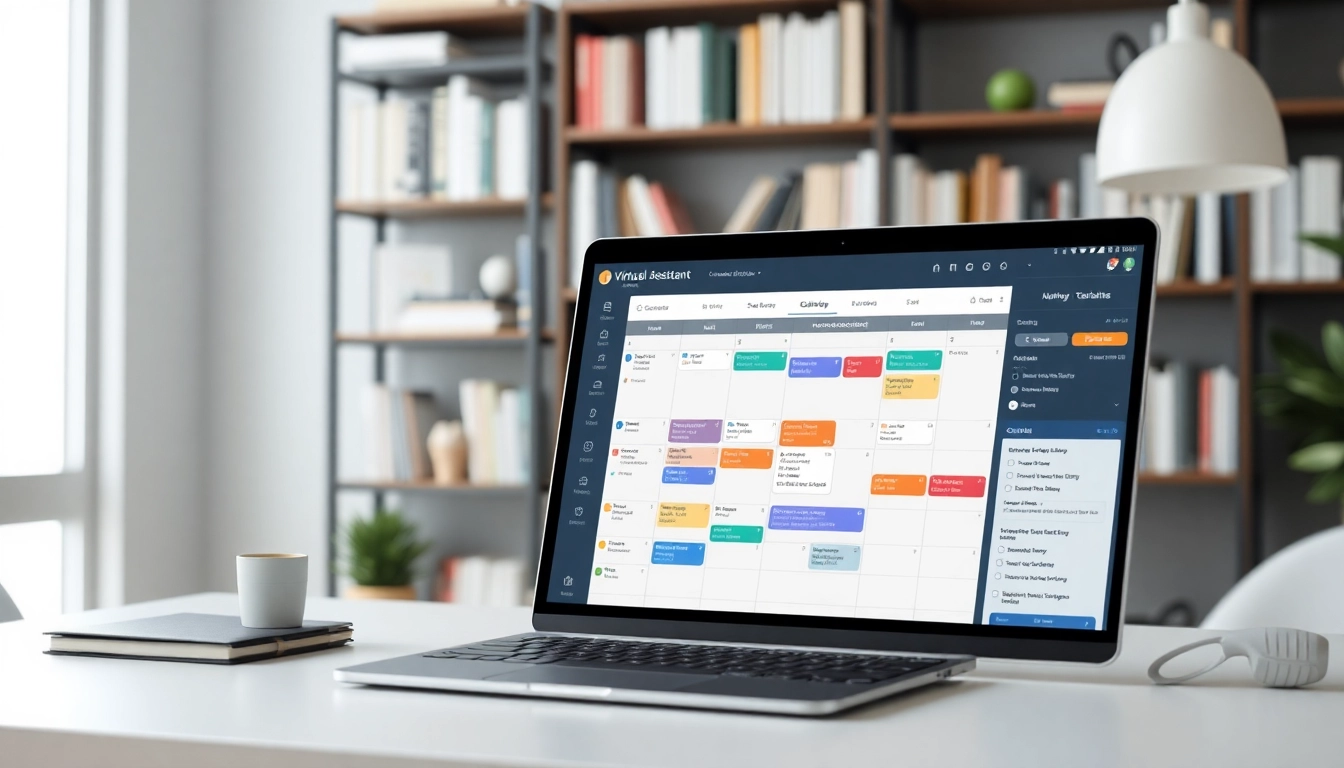
Introduction to Virtual Assistant Scheduling Tools
In today’s fast-paced world, effective time management has never been more crucial. As professionals juggle various roles and responsibilities, finding ways to streamline tasks becomes essential. This is where the virtual assistant scheduling tool comes into play. These innovative tools are designed to optimize scheduling processes, enabling users to focus on what truly matters, from managing appointments to minimizing scheduling conflicts. In this comprehensive guide, we will delve into the functionalities, benefits, and considerations around virtual assistant scheduling tools.
What is a Virtual Assistant Scheduling Tool?
A virtual assistant scheduling tool is a software application specifically designed to assist in scheduling tasks, appointments, and meetings. These tools leverage technology to automate and simplify what would otherwise be time-consuming manual processes. Whether you are an individual managing your personal calendar or part of a larger team coordinating multiple schedules, these tools serve as valuable assistants, helping to alleviate the burden of scheduling.
Benefits of Using Scheduling Tools
The benefits of incorporating a virtual assistant scheduling tool are manifold:
- Time Efficiency: Automation of scheduling tasks saves hours of coordination.
- Reduced Conflicts: Advanced algorithms minimize double bookings and scheduling conflicts.
- Improved Communication: These tools often integrate with communication platforms, facilitating seamless information flow.
- User-Friendly Interfaces: Most tools are designed with an intuitive UI, allowing anyone to manage scheduling effectively.
- Enhanced Flexibility: Users can adapt scheduling features as their needs change over time.
Common Features of Scheduling Tools
While the specific features can vary significantly from one virtual assistant scheduling tool to another, some common functionalities include:
- Calendar Synchronization: Many tools sync with popular calendar applications to ensure all appointments are in one place.
- Automated Reminders: Users can set reminders for upcoming meetings and appointments to avoid missed commitments.
- User Customization: Users have the flexibility to personalize settings to meet specific requirements.
- Group Scheduling: Features for scheduling group meetings, allowing multiple participants to find suitable times.
- Analytics and Reporting: Some tools offer analytics capabilities to track productivity and scheduling trends.
Choosing the Right Virtual Assistant Scheduling Tool
Criteria for Selection
Selecting the right virtual assistant scheduling tool requires careful consideration of several factors:
- Usability: The tool should be user-friendly and intuitive.
- Integration: Look for tools that integrate smoothly with existing applications and systems.
- Scalability: Ensure that the tool can grow with your needs, accommodating more users or features as necessary.
- Support and Resources: Good customer support and access to resources can significantly enhance user experience.
- Cost Effectiveness: Evaluate pricing models to find a tool that provides value for money.
Comparing Popular Features
When narrowing down options, it's helpful to compile a comparison chart that details the features of each virtual assistant scheduling tool being considered. Important features might include:
- Real-time availability updates
- Meeting customization options
- Automated time zone adjustments
- Integration capabilities with tools like Zoom or Microsoft Teams
By assessing these features side-by-side, users can make informed decisions that align with their scheduling needs.
Assessing User Reviews
Before making a final decision, taking the time to evaluate user reviews can offer valuable insights. Look for reviews that mention:
- User experience and ease of navigation
- Customer support responsiveness
- Any recurring issues or challenges
Platforms that aggregate user reviews can provide a balanced perspective between the strengths and weaknesses of various tools.
Integrating Virtual Assistant Scheduling Tools Into Your Workflow
Steps for Integration
Integrating a new tool into your workflow can be challenging but is often necessary for enhancing productivity. Here’s a simple step-by-step approach:
- Identify Needs: Assess your scheduling needs to understand what to look for in the tool.
- Select Your Tool: Choose the virtual assistant scheduling tool that best fits your needs based on previous evaluations.
- Onboard Team Members: Educate your team about the features and benefits of the new tool.
- Sync Existing Calendars: Import existing schedules to avoid disruptions during the transition.
- Monitor Performance: Assess how well the tool meets your scheduling needs and make adjustments as necessary.
Best Practices for Effective Use
To maximize the benefit from your virtual assistant scheduling tool, consider the following best practices:
- Keep Calendars Updated: Regularly maintain calendar entries to avoid outdated information.
- Utilize Notifications: Activate reminders and notifications to stay on top of appointments.
- Encourage Team Collaboration: Foster an environment where team members can utilize the tool together for optimal scheduling.
Common Mistakes to Avoid
As with any new system, mistakes can hinder productivity. Avoid these common pitfalls:
- Failing to integrate with existing systems, which can lead to chaos in scheduling.
- Neglecting to train team members adequately, resulting in underutilization of the tool.
- Ignoring user feedback, which can lead to missed opportunities for improvement.
Enhancing Productivity with Scheduling Tools
Time Savings and Efficiency Gains
One of the most significant advantages of a virtual assistant scheduling tool is the time saved in managing appointments. Automated scheduling eliminates hours spent coordinating times, allowing users to devote more energy toward productive tasks. Studies have shown that organizations that implement effective scheduling tools can see up to a 30% reduction in time spent on administrative tasks.
Maximizing Tool Features
To get the most out of your scheduling tool, explore all available features thoroughly. This may include:
- Using templates for recurring meetings to minimize entry time.
- Leveraging analytics features to track and improve scheduling efficiency.
- Customizing settings to ensure meetings align with the team's workflow and productivity rhythms.
Case Studies: Successful Implementations
Numerous organizations have seen significant improvements in time management and productivity after deploying virtual assistant scheduling tools. For instance, an IT consultancy reduced their meeting scheduling time by over 50% after integrating their calendar with a scheduling application. With increased availability for project work, they reported a substantial boost in overall team performance.
Future Trends in Virtual Assistant Scheduling Tools
Innovations to Watch
As technology evolves, so too will virtual assistant scheduling tools. Innovations on the horizon may include:
- AI-Powered Features: Increased capabilities for adjusting meeting times and detecting conflicts before they occur.
- Voice Integration: Tools that respond to voice commands, making scheduling even more accessible.
- Enhanced Data Security: As privacy concerns grow, future tools will focus on implementing advanced security measures.
Adapting to New Technologies
With advancements in artificial intelligence and machine learning, staying adept with evolving technologies will be crucial for scheduling tools. Adaptability will determine which tools can remain relevant in a competitive market, as user expectations continue to shift toward more efficient and automated experiences.
Preparing for Changing User Needs
As remote work and digital collaboration become norms, scheduling tools must be equipped to cater to the diverse needs of users. This will require continual updates and user feedback to ensure that they deliver effective solutions in a rapidly changing environment.
Frequently Asked Questions
What is a virtual assistant scheduling tool?
A virtual assistant scheduling tool is software designed to help individuals and teams automate and manage their scheduling tasks efficiently.
How does a scheduling tool enhance productivity?
It streamlines scheduling processes, reduces conflicts, and automates reminders, allowing users to focus on more critical tasks.
Can I use a virtual assistant scheduling tool for free?
Many scheduling tools provide limited free versions, ideal for individuals and small teams. Check specific tools for details.
Is it easy to integrate scheduling tools with my calendar?
Yes, most virtual assistant scheduling tools offer straightforward integration with popular calendar applications like Google Calendar and Outlook.
What features should I look for in a scheduling tool?
Look for features like calendar syncing, user-friendly interface, customization options, automated reminders, and team capabilities.